

















































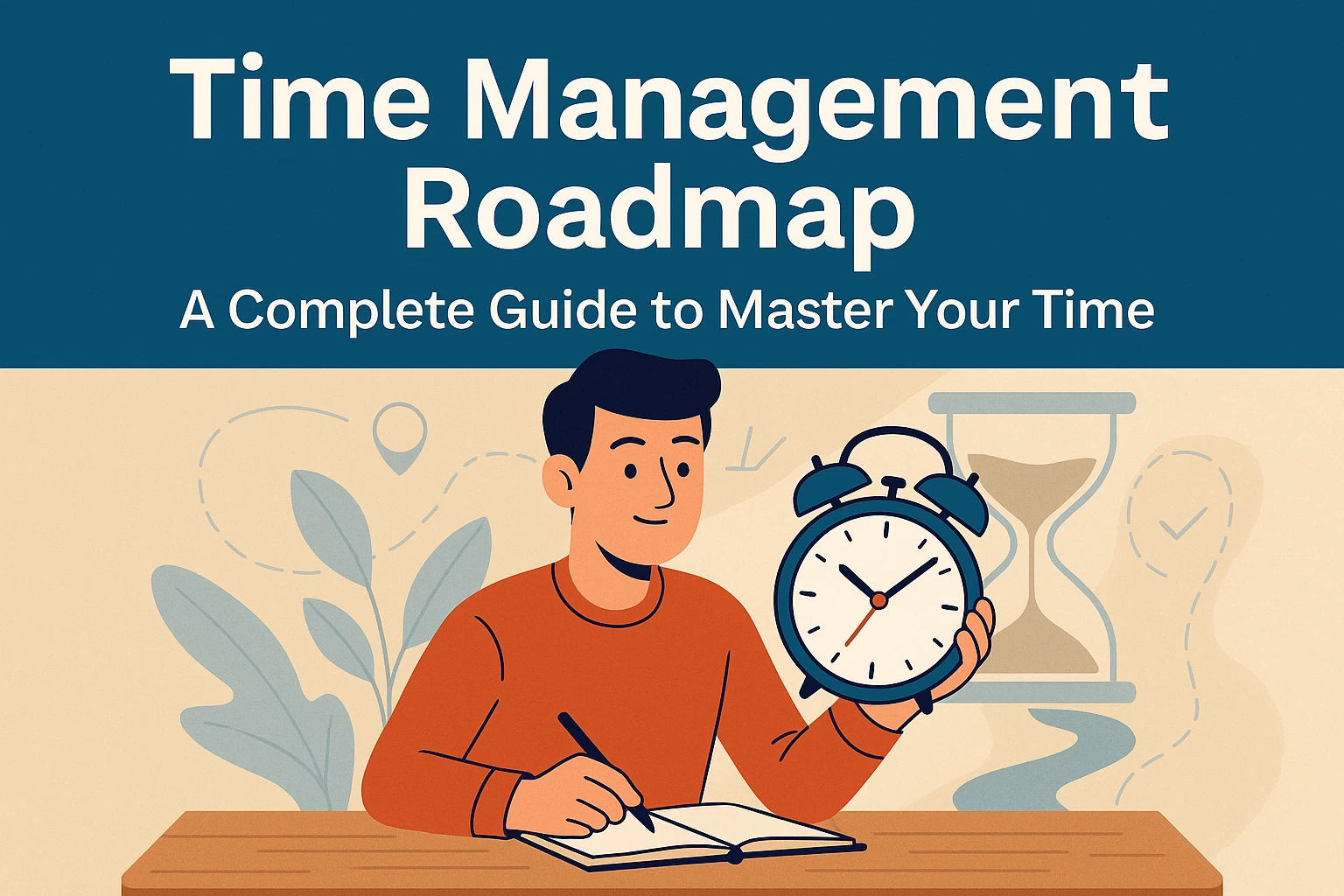

Time is the most valuable resource we have. Everyone has the same 24 hours, yet some people achieve more, stay stress-free, and grow consistently—while others stay overwhelmed.
The difference is time management.
This complete roadmap will teach you how to understand, plan, prioritize, and optimize your time so you can achieve more in less time—without burnout.

1. What Is Time Management? (Introduction)
Time management means planning your hours intentionally so your actions align with your personal and professional goals.
It’s about working smarter—not harder.
Why Time Management Matters
Good time management helps you:
- Reduce stress and overwhelm
- Boost productivity and efficiency
- Maintain a healthy work-life balance
- Avoid burnout
- Improve decision-making
- Achieve faster growth in career or business
Signs You Need Better Time Management
- You always feel busy but rarely productive
- Tasks take longer than expected
- You miss deadlines or forget tasks
- Your to-do list only grows
- You struggle to focus
- You feel anxious from daily workload
Common Time Management Myths
- “I need more time.” → You need better planning, not more hours.
- “Multitasking helps.” → It reduces work quality and increases stress.
- “I must feel motivated first.” → Motivation comes after action.
- “Planning wastes time.” → Planning saves hours every day.
2. Understanding Time Management
2.1 The Psychology of Time
Our brain does not measure time logically. It responds to emotions, rewards, and pressure.
This is why some days feel long, some short, and tasks drain us differently.
Why We Procrastinate
- Preference for instant rewards (dopamine)
- Fear of failure or imperfection
- Lack of clarity
- Feeling overwhelmed
- Stress or low energy
Willpower vs Habits
Willpower is temporary.
Habits make productivity automatic.
Your goal: Create systems that work even on low-motivation days.
2.2 Time Audit: Where Does Your Time Go?
Before improving your time management, you must understand how you currently spend your day.
How to Do a Time Audit
- Track your activities for 3–7 days
- Note tasks, breaks, distractions, scrolling, eating, etc.
- Categorize them: productive, semi-productive, wasteful
- Calculate time spent in each category
Identify Time-Wasters
- Excessive smartphone use
- Long unplanned breaks
- Random browsing
- Frequent checking of messages
- Low-energy hours wasted on difficult tasks
Understand Energy Levels
Every person has:
- Peak hours → Best for deep work
- Medium hours → Good for calls, planning, admin
- Low-energy hours → Best for simple task
3. Time Management Foundations
3.1 Goal Setting Frameworks
Time is useless without direction.
Goals create clarity.
SMART Goals
Specific, Measurable, Achievable, Relevant, Time-Bound
Example:
“Write a blog” → Not SMART
“Write a 1200-word blog by Friday 5 PM” → SMART
OKRs (Objectives & Key Results)
- Objective: What you want to achieve
- Key Results: The measurable outcomes
Vision → Goal → Task Breakdown
This simple chain changes everything:
Long-term Vision → Monthly Goals → Weekly Plan → Daily Tasks
3.2 Prioritization Techniques
Not all tasks are equal.
Success comes from focusing on what truly matters.
Eisenhower Matrix
| Urgent | Not Urgent | |
| Important | Do Now | Plan |
| Not Important | Delegate | Delete |
ABC Method
- A: Must do today
- B: Should do
- C: Nice to do
80/20 Rule (Pareto Principle)
20% of tasks produce 80% of results.
Identify and double down on that 20%.
3.3 Scheduling Methods
Time Blocking
Assign blocks of time for specific tasks.
It reduces confusion and improves focus.
Task Batching
Group similar tasks together:
- Emails + calls
- Editing + content
- Admin tasks
Daily & Weekly Planning
Daily plan: 3 major tasks + supporting tasks
Weekly plan: Review achievements + plan next week
AM/PM Routines
- Morning: plan, hydrate, stretch, deep work
- Night: clean up, prepare for tomorrow, digital detox
4. Core Time Management Skills
4.1 Improving Focus & Concentration
Pomodoro Technique
25 minutes focus + 5-minute break
Ideal for students & professionals.
Deep Work
Long sessions of distraction-free work.
Perfect for coding, writing, designing, strategy.
Distraction Control Tips
- Turn off WhatsApp/Instagram notifications
- Keep mobile away during work
- Use website blockers
- Work in a clean, quiet space
4.2 Task Execution Skills
Break Big Tasks into Mini Steps
Example:
“Build a website” → overwhelming
“Design header → Choose fonts → Create pages” → achievable
The 2-Minute Rule
If a task takes less than 2 minutes → do it immediately.
Single-Tasking > Multitasking
Multitasking reduces productivity by 40%.
Do one thing at a time, but do it well.
4.3 Tools That Make Time Management Easier
Best Calendar Tools
- Google Calendar
- Outlook
Best Task Managers
- Notion
- Trello
- Todoist
- ClickUp
Automation Tools
- Zapier
- IFTTT
Automate repetitive tasks and save hours every week.
5. Overcoming Common Time Killers
Procrastination
Use:
- 5-second rule
- Pomodoro
- Breaking tasks into steps
Perfectionism
Aim for progress, not perfect.
Smartphone Addiction
- Turn off notifications
- Use Focus Mode
- Keep phone in another room
Multitasking
Destroys focus. Avoid it completely.
Lack of Clarity
Plan your next day at night—it takes only 5 minutes.
Over-Commitment
Learn to say No.
Protect your time.
6. Advanced Time Management
6.1 Energy Management
Time is limited. Energy decides how well you use time.
Manage Physical Energy
- Sleep well
- Hydrate
- Stretch every few hours
Manage Mental Energy
- Avoid decision fatigue
- Chunk difficult tasks in peak hours
Food for Productivity
Light meals → high focus
Heavy meals → laziness
Break Strategy
- 52/17 rule
- Micro-breaks (1–2 minutes every hour)
6.2 Delegation Skills
You cannot do everything alone.
What to Delegate
- Repetitive tasks
- Work others can do better or faster
- Admin tasks
Outsource to:
- Freelancers
- Virtual assistants
- Part-time experts
Team Collaboration Tools
- Slack
- Notion
- Google Workspace
6.3 Optimization & Review
Weekly review questions:
- What worked well?
- What wasted time?
- What can I remove or simplify next week?
Productivity improves when you measure it.
7. Time Management for Different Types of People
Students
- Use Pomodoro for studying
- Rotate subjects
- Keep phone away while studying
Working Professionals
- Handle top 3 tasks early morning
- Limit meetings
- Use task batching
Freelancers
- Create strict work hours
- Automate invoicing & proposals
- Use templates for repeated tasks
Entrepreneurs
- Focus on high-value work
- Delegate early
- Weekly CEO-time for strategy
Homemakers
- Plan chores in blocks
- Maintain morning & evening routines
- Assign tasks to family members
8. Real-Life Examples & Templates
Sample Productive Day Plan
6:30 AM: Wake up
7:00 AM: Exercise
8:00 AM: Deep work session
10:00 AM: Emails, admin tasks
1:00 PM: Lunch
2:00 PM: Second work session
4:00 PM: Meetings
6:00 PM: Wrap up
9:00 PM: Plan tomorrow
9. Tools & Templates You Can Use
- Daily Planner
- Weekly Planner
- Monthly Review Sheet
- Habit Tracker
- Priority Matrix
- Goal Breakdown Template
I can create these templates for you in PDF / Canva / Notion if you want.
10. Conclusion
Time management is not about squeezing more work into your day—it’s about using your time intentionally and effectively.
To master your time:
- Start small
- Build discipline
- Stay consistent
- Review your progress weekly
- Protect your focus
Even a 1% improvement every day leads to massive change in a year.