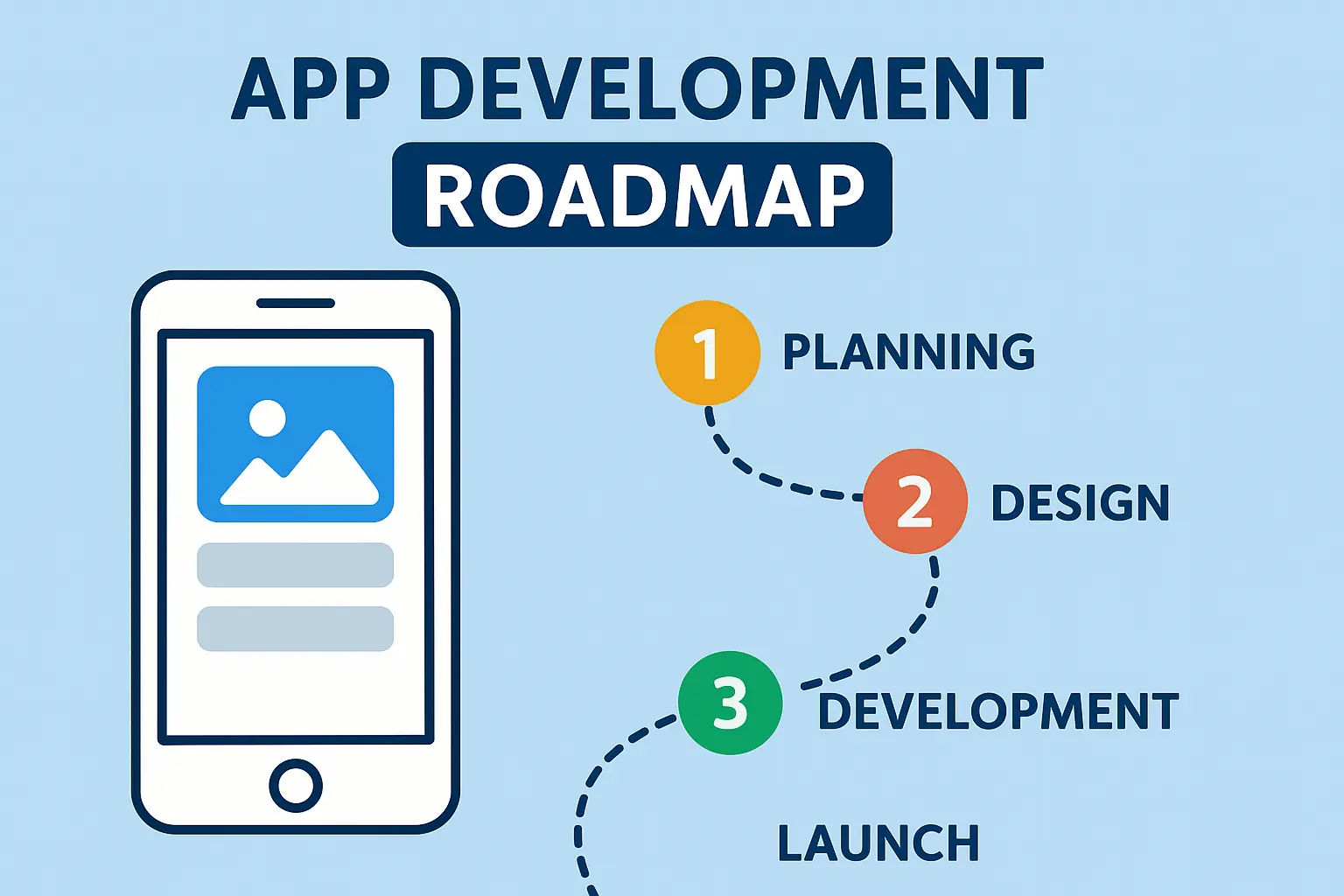
Road Map App Development Roadmap (Android / iOS) – Copy By AdviceShare October 7, 2025 2 Min Read 0 📱 App Development Roadmap (Android / iOS) Phase 1: Foundations (0–2 Months) 👉 Goal: Learn the basics of programming for apps.Programming Languages (Pick One Path):Android Native: Java or Kotlin (Kotlin is preferred in 2025).iOS Native: Swift (Apple’s official language).Cross-Platform: Dart (with Flutter) or JavaScript/TypeScript (with React Native).Core Concepts:Variables, loops, functions, classes, OOP.Mobile app lifecycle (Activity in Android, ViewController in iOS).✅ Why? → Without a strong language foundation, you can’t build scalable apps. Phase 2: Mobile Development Basics (2–4 Months) 👉 Goal: Build simple apps.Android:Learn Android Studio, Activities, Fragments, Layouts (XML).User input, buttons, navigation.iOS:Learn Xcode, Storyboards, SwiftUI basics.Navigation, UI components, event handling.Cross-Platform (if chosen):Flutter (Dart): Widgets, Material Design, basic apps.React Native: Components, JSX, State/Props.✅ Projects to try:To-do list appCalculator appWeather app (using free API) Phase 3: Intermediate Development (4–7 Months) 👉 Goal: Create functional apps with backend.APIs & Networking: Fetch data from REST APIs.Databases:SQLite / Room DB (Android).Core Data / Realm (iOS).Firebase (works for both).Authentication: Login/Signup (Google, Facebook, Email).State Management:Flutter: Provider, Riverpod, Bloc.React Native: Redux, Context API.✅ Projects to try:Chat app (Firebase)Notes app with loginExpense tracker Phase 4: Advanced Concepts (7–12 Months) 👉 Goal: Professional-level apps.UI/UX Design: Responsive layouts, animations, dark mode.Performance Optimization: Memory, storage, battery management.Push Notifications: Firebase Cloud Messaging / Apple Push Notification.Deployment:Android → Google Play Console.iOS → App Store Connect.✅ Projects to try:E-commerce appFood delivery appPrompt-sharing app (like you want to build for web, extend to mobile) Phase 5: Mastery (1–3 Years) 👉 Goal: Senior Mobile Developer.System Design for Apps: Scalability, caching, background tasks.DevOps for Mobile: CI/CD with GitHub Actions, Fastlane, Firebase Test Lab.Cross-Platform Expansion: Learn both Flutter & React Native to deliver faster.Monetization: Ads, in-app purchases, subscriptions. 🚀 Example 90-Day Plan (for You)Since you study 2 hrs daily + 4 hrs Sundays, here’s a practical schedule:Days 1–30:Pick one path (Kotlin for Android OR Flutter for cross-platform).Build 3 mini apps (calculator, notes, weather). Days 31–60:Learn APIs, Firebase, SQLite.Build 2 apps:To-do with Firebase.Simple Chat app.Days 61–90:Add authentication, notifications, and design polish.Deploy your first app on Google Play (₹25 one-time fee). Reader: 113 Tags: appdevelopmentby AdviceShare